

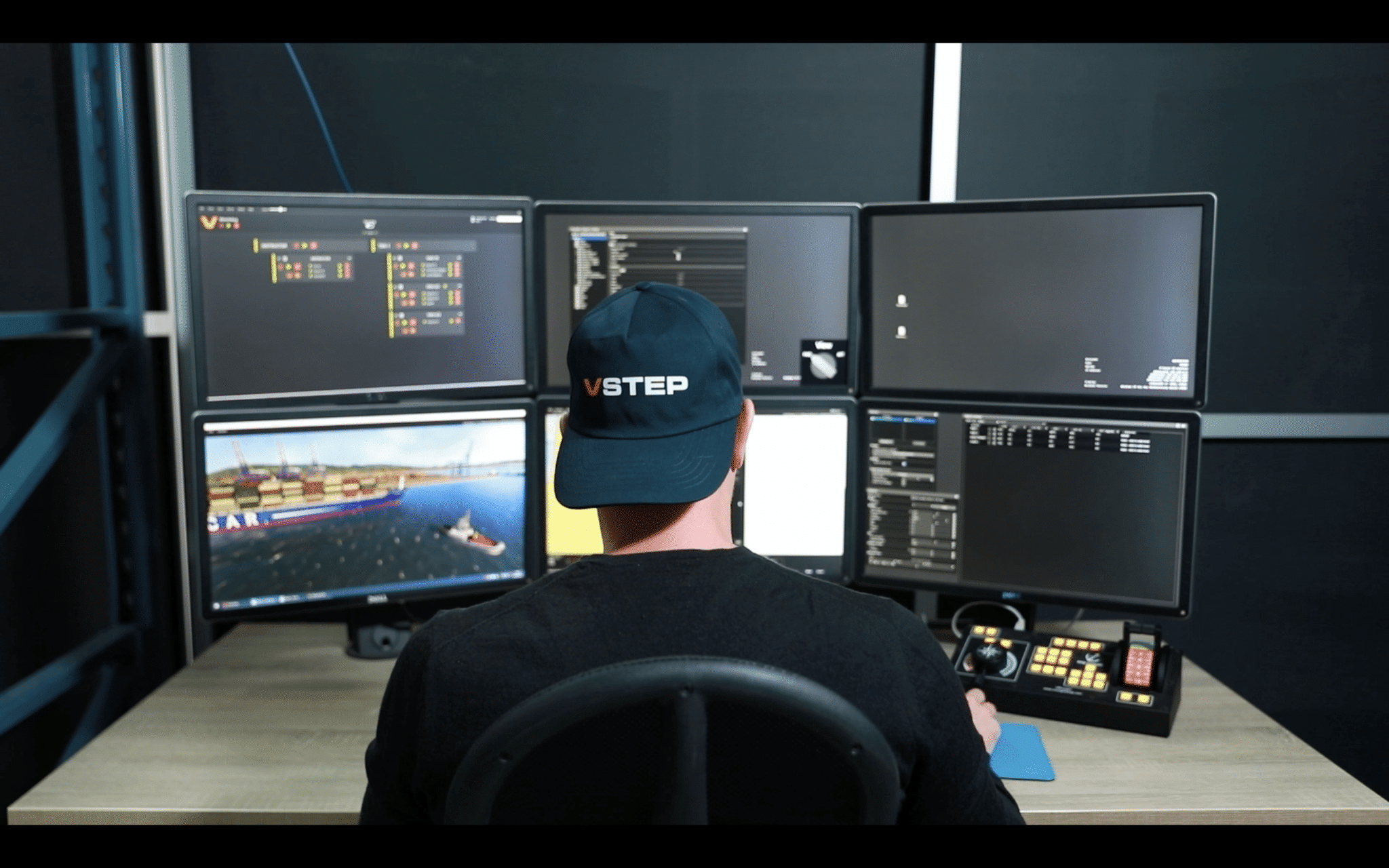
VSTEP continues to refine the maritime simulation landscape with NAUTIS Instructor, a dedicated station designed to reduce the cognitive load on trainers. By prioritizing an intuitive user interface, the solution enables instructors to focus less on managing software and more on their primary objective: teaching and competence building.
Reducing Cognitive Load for Trainers
The effectiveness of a maritime academy relies on the seamless execution of training scenarios. The NAUTIS Instructor station is designed to support this by optimizing the interaction between the trainer and the simulation software. Built on a “fewer clicks, better teaching” philosophy, the system utilizes an intuitive interface that centralizes control functions.
This design intends to facilitate the instructor’s role as a mentor. By streamlining the technical operation of the simulation, the software enables the trainer to dedicate maximum attention to the trainee’s situational awareness, communication, and decision-making processes. This focus is essential for maintaining high standards in competence development and operational readiness.
(The Navigation Lights Panel of NAUTIS Instructor)
Logic Editor and Real-Time Adaptability
A core component of the NAUTIS Instructor is the integration of the Logic Editor. This feature allows for the automation of tasks and assignments within a scenario, reducing the need for manual inputs during an exercise. Instructors can pre-define complex chains of events, ensuring that scenarios unfold consistently.
However, the system retains the flexibility for real-time adjustments. Instructors can utilize the structured timeline view to inject failures, such as engine malfunctions or rudder jams, at critical moments. Furthermore, the system supports localized weather control. Instructors can specify custom weather conditions, including dynamic cloudiness, rain or snow, within specific areas of the simulation. This allows for rapid changes in visibility and sea state, testing a trainee’s ability to adapt to sudden environmental shifts without pausing the simulation.
Scalable Training Configurations
Maritime training centers require solutions that adapt to varying class sizes and curriculum needs. NAUTIS Instructor supports this scalability through flexible configuration modes:
- Parallel Execution: The instructor can run identical exercises across multiple simulators simultaneously. This is particularly effective for baseline competence building, ensuring a standardized learning experience for groups.
- Networked Operations: For advanced scenario-based training, multiple simulators can be linked in a single environment. This facilitates Bridge Resource Management (BRM) training, where trainees interact across different vessels or roles within the same virtual space.
Standardization of Assessment and Debriefing
The assessment phase is where training translates into professional competence. According to standards outlined by DNV for maritime simulator centres, structured debriefing based on objective data is essential for certification and quality assurance.
NAUTIS Instructor facilitates this through automated recording and bookmarking. The system captures the entire exercise, allowing instructors to flag key events, such as collision avoidance maneuvers or communication breakdowns, for immediate review. The multi-view replay function enables the analysis of these events from chart, bridge or external perspectives, often running faster than real-time to optimize the debriefing session.
By utilizing objective setting and partial automation, the software helps standardize the evaluation process. This ensures that assessment outcomes are repeatable and based on concrete performance data.
Key Capabilities of NAUTIS Instructor
| Feature | Functionality | Operational Benefit |
|---|---|---|
| Logic Editor | Automates scenario tasks and event chains. | Reduces manual input, ensuring consistent scenario delivery. |
| Localized Weather | Dynamic control of rain, snow, and visibility in specific zones. | Tests trainee adaptability to sudden environmental shifts. |
| Parallel Execution | Runs the same exercise on multiple simulators simultaneously. | Standardizes baseline competence across a full class. |
| Networked Operations | Links multiple simulators in a shared environment. | Enables complex Bridge Resource Management (BRM) training. |
| Automated Debriefing | Records exercises with bookmarking and multi-view replay. | Supports objective assessment and DNV compliance. |
Enabling the Next Generation of Seafarers
The NAUTIS Instructor station represents a significant step forward in training technology. It is not merely a hardware interface but a comprehensive software ecosystem that empowers the teacher. As noted by VSTEP leadership regarding the evolution of the platform, the goal is to provide tools that enable learning by removing technical complexity.
By combining advanced tools like Logic Editor and Debriefing with an intuitive user interface, the solution helps maritime instructors invest less time managing tools and more time helping build competencies.
Frequently Asked Questions
Is the Logic Editor difficult to use for instructors without technical skills?
No. The Logic Editor is designed specifically for maritime instructors, not software developers. It uses a visual interface where you can drag and drop elements to build scenarios. This allows you to create complex, automated exercises without needing any coding knowledge.
Can I intervene instantly if a student deviates from the training plan?
Yes. You retain full real-time control. If a trainee makes an unexpected decision, you can instantly pause the simulation, inject a new failure (like an engine breakdown), or change the weather conditions via the timeline view to challenge their response immediately.
How does the system help me explain specific errors during debriefing?
The “Replay” function records the entire session. During debriefing, you can jump to specific bookmarks you made during the exercise and show the situation from any angle—including a bird’s-eye view or the trainee’s own perspective. This visual evidence makes it easier to explain exactly where improvement can be made.


