

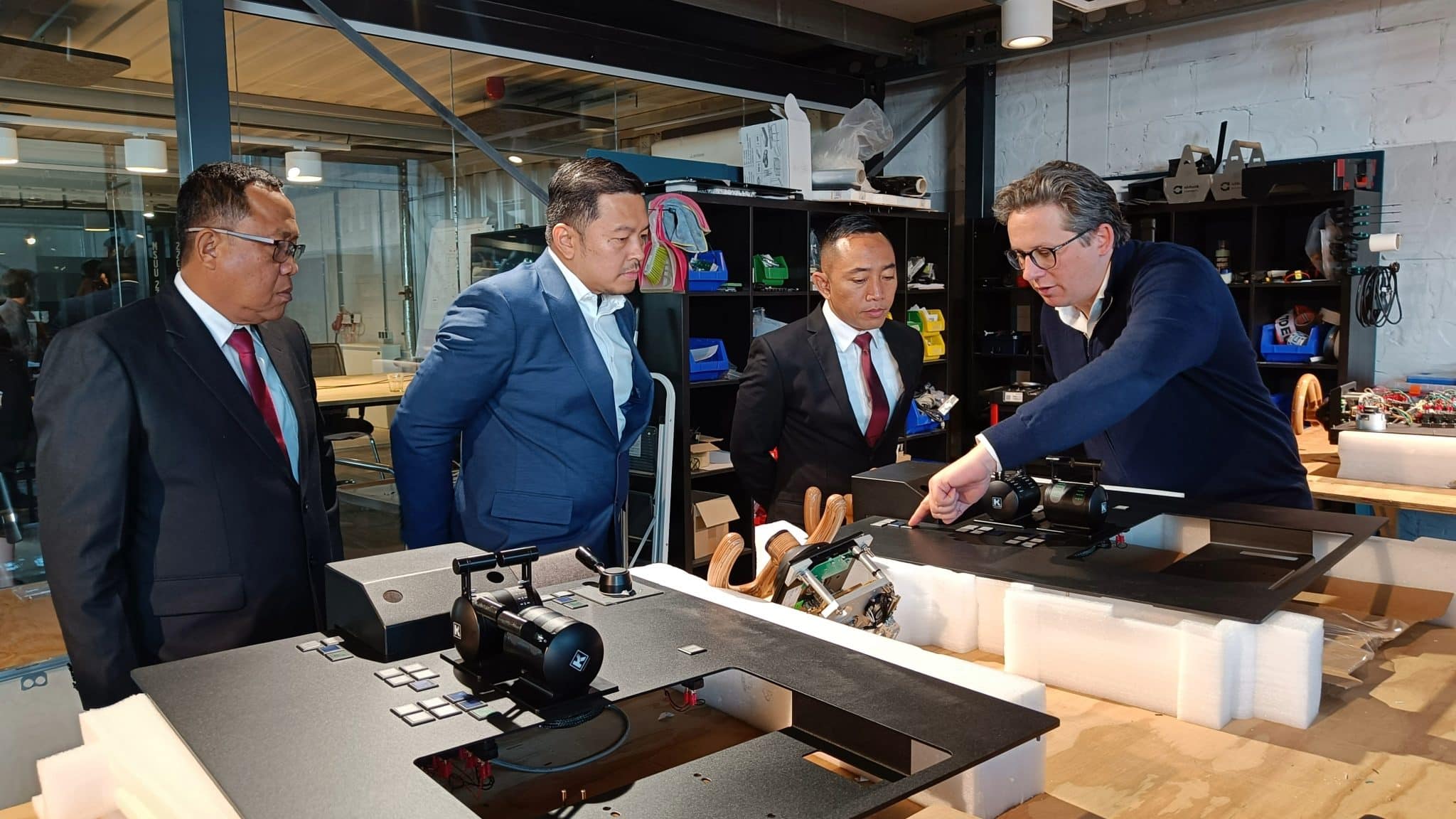
You don’t have to start with a finished specification before the first conversation.
Why a small and focused simulator setup can be the right starting point
Some of the most useful conversations I have with customers begin before anyone has decided exactly what the simulator should look like.
They usually know what they want to achieve. It might be efficient navigation training, more opportunities for practical learning, a new programme, or preparation for a certification requirement. They know their trainees and where they want to take their training, and we can start the brainstorm there even while the exact configuration is still open.
For our customer starting small can be a very good position to be in. A small and focused setup can be precise in its purpose and ambitious in what it enables, while still leaving room for the learning environment to evolve over time.
Start with what the trainee needs to achieve
Before we start defining screen amounts, sizes, controls or bridge layouts, I want to understand how the organisation trains. Who are the trainees? What do instructors want them to achieve? How will effective maritime simulation fit into the programme? Which situations matter most? What facilities are already available? And what might the organization want to do next? The one thing we don’t want is unused simulators.
Those answers give us something much more useful to work with than a plain equipment list. A single bridge, or even one desk setup, may be the right solution for our customer. Another organization may need several connected stations, greater immersion or a different configuration altogether. It’s about finding that fit together.
Certification needs can influence those decisions, so it is worth bringing into the conversation early. NAUTIS supports certified simulator configurations. Depending on the maritime training standard that applies, the simulator configuration, course design, procedures and assessment arrangements may all need to be considered. Our role is to help customers understand what applies to them and shape the solution with those requirements in mind. STCW 0033 or, Cesni.
Content is another part of that fit. NAUTIS starts with a broad library of vessels, environments and objects, with additional content packages available for more specialized needs. When maritime training calls for something more specific, we can also develop customer specific vessels, geographical databases or customer software solutions.
By the time we arrive at a proposal, we should have a clear picture of what the organization wants to achieve and why the recommended solution fits. The customer brings knowledge of its learners, instructors and ambitions; we bring our experience in maritime simulation, learning environments and delivery of Simulators. The proposal grows out of that interaction and conversation!
Make the investment clear from the beginning
As the solution becomes clearer, a very practical question usually follows: “What does this actually cost me over five years, not just now?” I think customers should be able to see that picture as clearly as possible before they commit, and we should help with that by demonstrating the ROI for them.
There are different ways to structure the initial investment. Depending on the project and needs of the organization, that can include a traditional purchase, subscription based arrangements, leasing or rental, as well as other financing structures. The aim is to find an investment model that works based on the needs of the organization.
Then there is the point of growth and support. A simulator should be able to grow with the organization that uses it. NAUTIS is designed so that this can happen smoothly, and the subscription plan adds a further layer of confidence by giving organizations reliable support as their training needs evolve. In this way, organizations can count on that support being there whenever they need it.
That five year view, and beyond, matters. It brings the initial investment, ongoing costs and future development into the same conversation, so an organization can plan around the whole life of the simulator rather than only the day it arrives.
Start focused and keep room to evolve
Another question I hear often is “Can I start with one bridge and grow, or do I have to commit now?” Starting with one bridge, or even one desk setup, can be exactly the right decision when that configuration fits the training objectives.
The NAUTIS ecosystem is modular, so the initial configuration does not set a ceiling on what is possible later. Stations, content, capabilities and integrations can be added as training needs evolve.
The same principle applies to the technology inside the simulator. Different hardware components have different lifecycles, so individual parts can be updated, upgraded or replaced when required. An ageing component does not automatically turn into a complete simulator replacement project.
That flexibility becomes increasingly useful over time. Regulations change, new vessel technology enters the fleet, learner numbers grow and instructors extend how they can enable effective training with simulation. A focused setup can deliver exactly the capability an organization needs today while keeping a clear path open for the next stage.
Keeping training running
One of the most direct questions I hear is “What happens if my simulator is down halfway through a course?” It gets to something very important: once simulation is part of the training programme, availability and uptime matters, that crash always happens at the wrong moment.
Reliable support starts before something goes wrong. Regular maintenance and planned updates help reduce the risk of unexpected downtime, and we align that work with customers so it can be scheduled around their training gaps as much as possible.
When an unforeseen issue does happen, customers need to know there are people there to help resolve it, we pick up the phone and support Remote diagnostics and support allow many issues to be handled quickly without waiting for travel, while onsite assistance is available when it is needed. Support also covers the less visible work around compatibility, updates, upgrades and keeping the environment reliable over its lifecycle.
Instructor training helps teams use the simulator confidently from the start, and ongoing guidance supports them as they extend how simulation is used across exercises, courses and programmes. A simulator creates much more value when the people using it have the tools and support to keep developing what they do with it.
Building the right fit together
Our experience covers small and/or focused installations as well as large and complex simulation training programs consisting of multiple simulators and integrations. That breadth gives us perspective on the decisions that matter over the life of a simulator: how the type of training objective need shapes the configuration, where certification enters the picture, what should be planned for later, and how support and continuity fit around the technology.
For me, that experience is most useful when it helps make a project clearer for the customer. A smaller, focused setup can carry serious ambition. It can be built around the learning that matters most today, supported properly from the beginning, and given the flexibility to grow with the organization over time.
You do not need to arrive with a finished simulator specification. If you know what you want your people to learn and where you want your training to go, we already have something meaningful to talk about.
I’m here to help you find the reliable training solution that works for your organization. Our simulators are built around what your trainees need to achieve, whatever that solution turns out to be, it’s about finding the right fit together.


